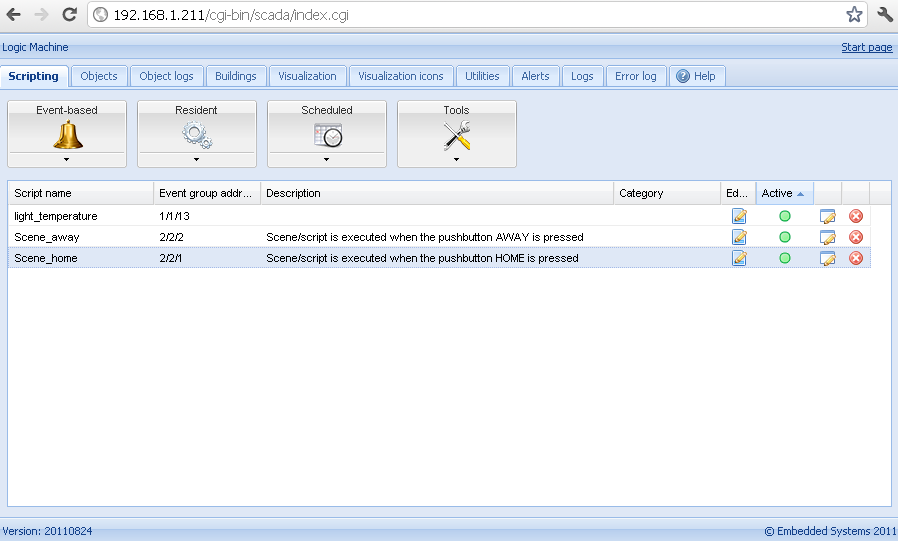
Scenes “I am home”, “I am leaving”
Example: Scenes “I am home”, “I am leaving”
KNX specific configuration in Logic Machine
- Connect to Logic Machine (Logic Machine) with default access parameters (IP: 192.168.0.10; login/password: admin/admin)
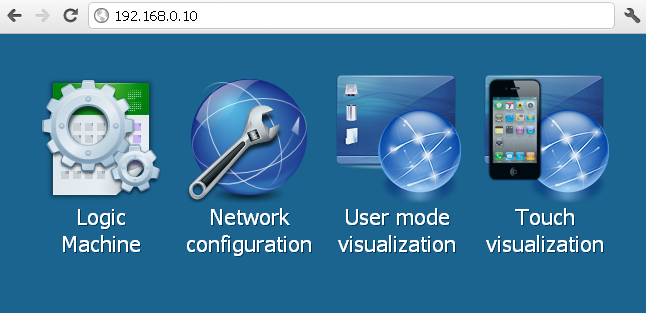
Create “Scene Away” script
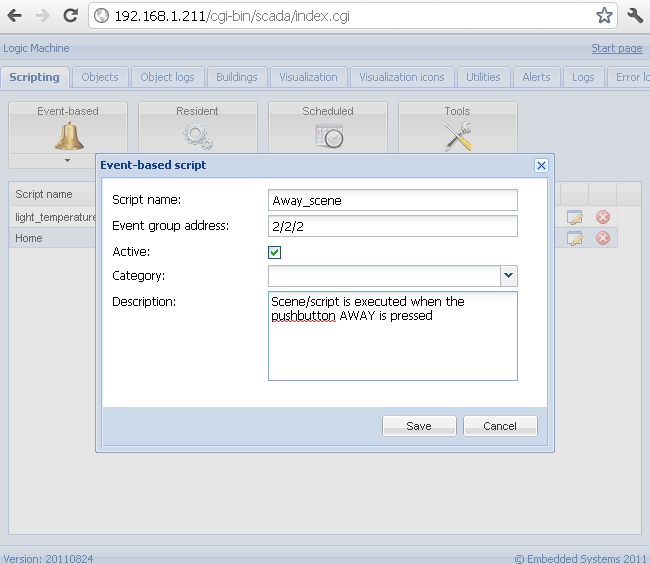
- In scripting tab click on the Even-based button, then Add new script. In this example the script will be run each time when KNX group address 2/2/2 is activated (push button on 2/2/2 is pressed)
- After you have saved the script, click on the icon in Editor column to enter into scripting redactor. Using built-in scripting code snippets on the left side its easy to find the one which fits this case – write specific value in group addresses responsible for switching on/off floor heating in two bathrooms. Also IF-ELSE conditional is used to check the state of the windows, if opened then beep on the ABB touch screen.
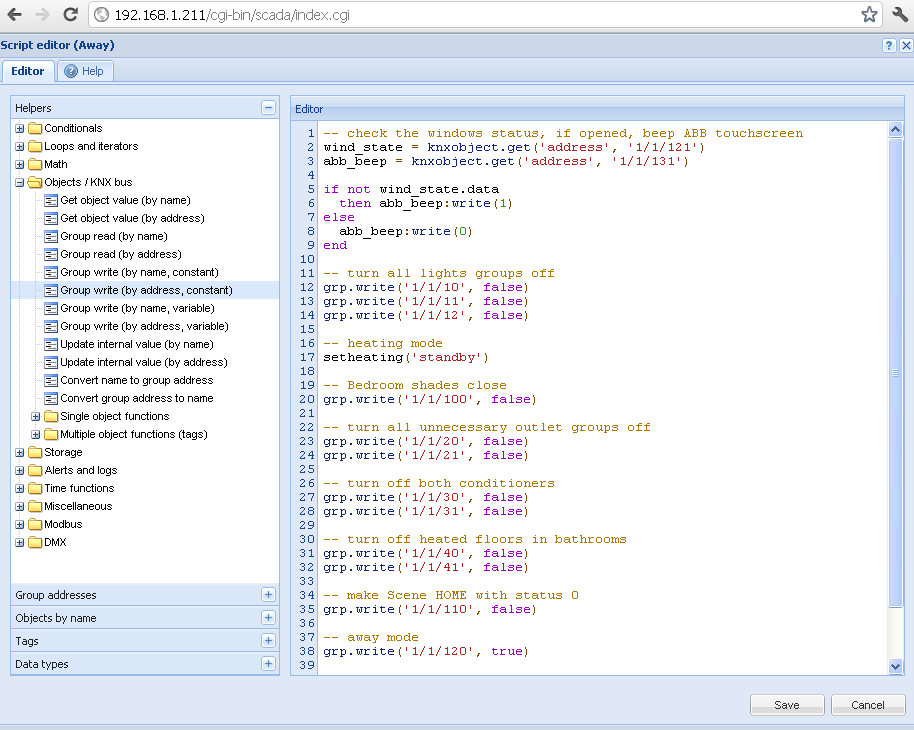
Note that you can use binary 0 or 1 instead of true or false for boolean objects.
Create “Scene Home” script
- Add similar script with opposite values and necessary objects
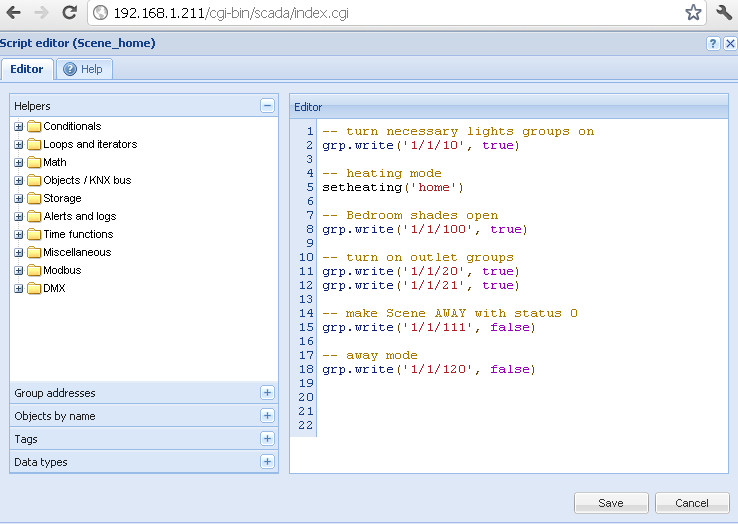
- Activate both scripts by clicking on the RED circle on the right of each particular script (if it’s not done yet)