Example: Control A/C with resident script
KNX specific configuration in Logic Machine
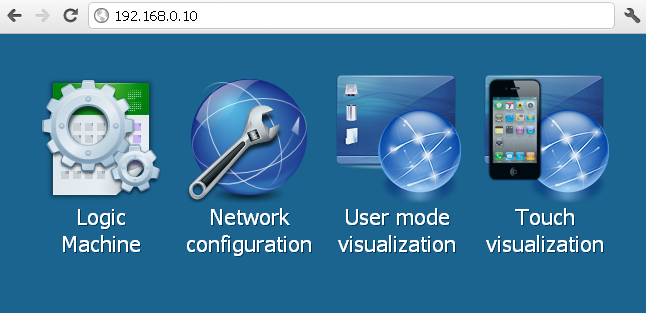
- Connect to Logic Machine (Logic Machine) with default access parameters (IP: 192.168.0.10; login/password: admin/admin)
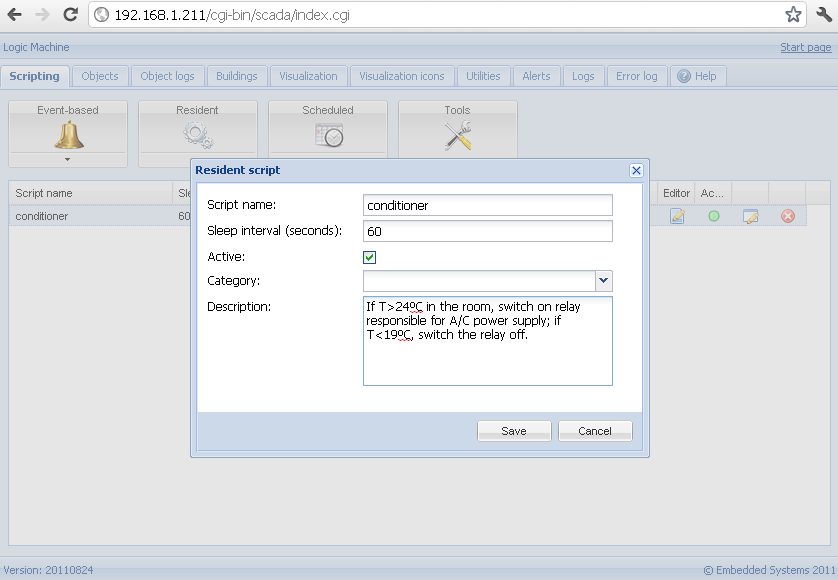
Create resident script “Conditioner”
- In scripting tab click on the Resident, then Add new script. In this example the script will be run each minute to check the room temperature, if it’s > 24ºC, switch on relay responsible for A/C power supply; if the temperature is < 19ºC, switch the relay off.
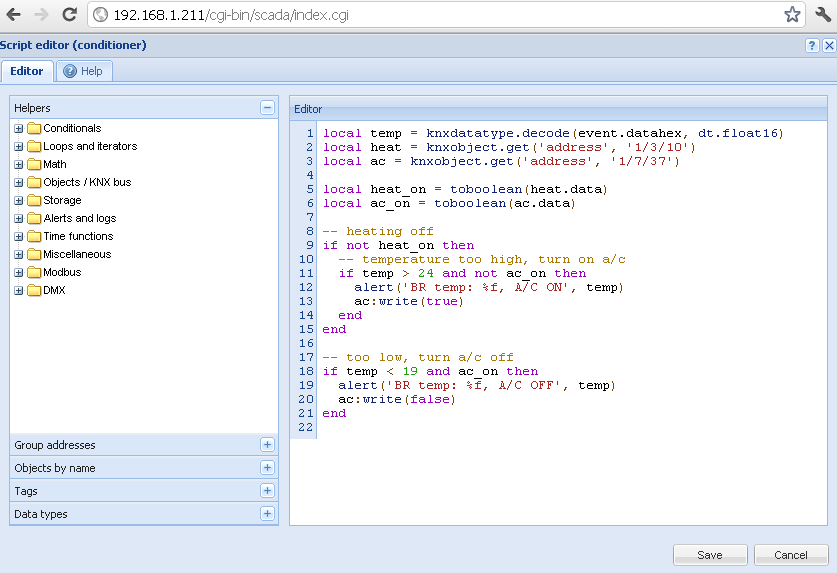
- After you have saved the script, click on the icon in Editor column to enter into scripting redactor. Using built-in scripting code snippets on the left side its easy to find the one which fits this case – using conditional IF ELSE structure, we check if the heating is OFF, If yes – we check the Temperature.